🏡 Family Study Hub Learn, earn gems & grow together
Every little step makes a big difference ✨
Start with your study plan, complete daily tasks and revise. Then visit your family neighbourhood!
🎯 Personal goals🪴 Build your own home
Choose your learner
Choose a learner to beginToday's learning adventure
📚 Today's study plan
🧠 Quiz / Revision
Review a sample question or revisit a subject. These are older demo activities. Use the Examination & Revision Centre below for cloud assignments.
These are optional demonstration activities. Assigned exam papers and cloud revision practice are displayed in their own sections.
🌟 My progress
0💎 Gems
0🔥 Streak
0✅ Quests
🏅 Achievements
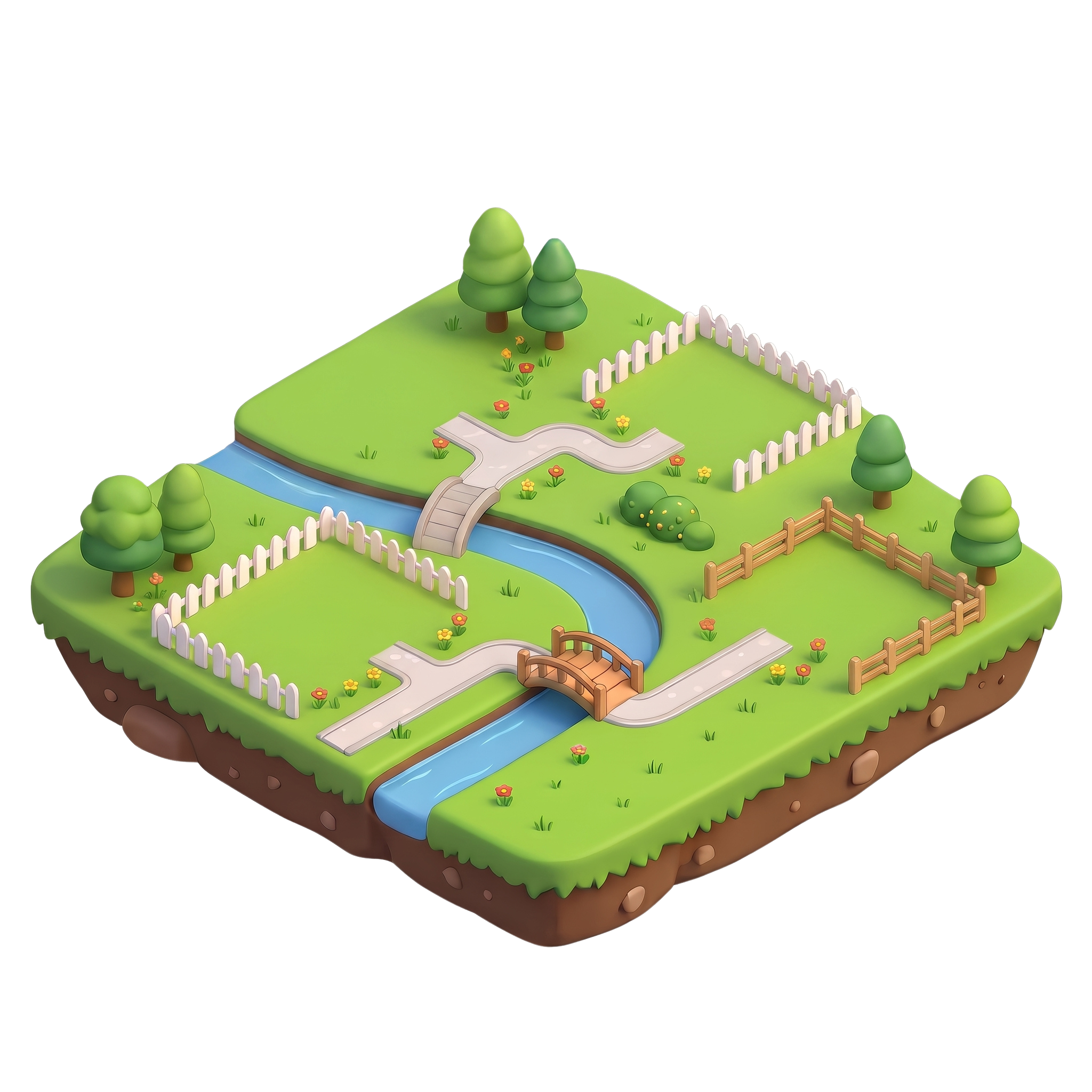
🌳 Our Family Neighbourhood
Visit a house to explore rewards, your two outfits and room decorations🌈 Our Family Neighbourhood
Four homes, one little world. Visit your siblings and decorate your own place!
✨ Family Village
🎁 Family Quest
0 / 4 learnersWhen everyone completes today's quests, the village celebrates together.